About
A reminder that needs a signal is not a reminder
That one sentence decided how this app is built, from the database on your phone up to the way it syncs.
Where it came from
Astar Tasks started as an Android app that did one thing well: it kept your tasks on your phone and reminded you about them, whether or not you had a connection. People used it in places where coverage is something you get back, not something you have.
What it could not do was follow you to a second device, or let two people share a piece of work. Adding that usually means moving everything onto a server and treating the phone as a screen — which is exactly how an app stops working the moment the bars disappear. So it was rebuilt instead: the device stays the source of truth, and the server catches up.
The rules it is built on
Your device answers first
Every change is written locally and shown immediately. There is no loading state between you and your own data.
Nothing is silently dropped
Offline changes queue and retry. If one genuinely cannot be sent, you are shown it — rather than discovering the gap a week later.
No paywall may refuse your work
A plan can turn a feature off. It can never reject a task you already wrote on a plane, because that would destroy your work to protect a subscription.
Proved on a real phone
A reminder app is only as good as its worst case: a real device, a real release build, a real reboot, no network. That is where it gets tested.
Your data
- Your tasks and appointments are visible to you, and to team-mates only where you have shared them with a team.
- You can use the app without an account at all. Signing in is what enables sync, not what unlocks the app.
- Deleting an organisation deletes its shared work — it is not archived out of sight.
- This website sets no cookies, runs no analytics, and loads nothing from any other company's servers.
Speaks your language
The interface is translated into 15 languages — the whole interface, not just the menu labels — and ships with 17 accent colours plus a dark mode that follows your system setting.
Made to be looked at every day
Big type, clear status, and the next thing you have to do at the top. Priority is a colour down the edge of the card, so the list can be read without being read word by word.
Open the web app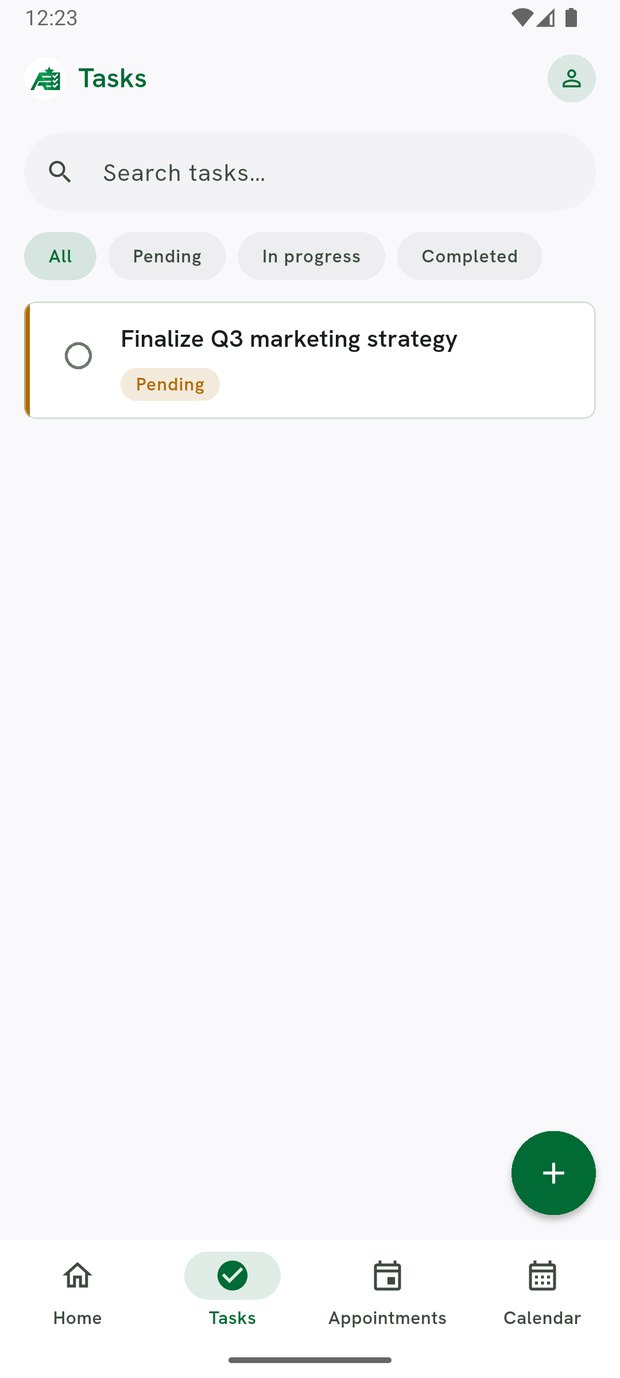
Want it for your team?
Tell us the size of the team and what it has to report on, and we will tell you which plan fits.
Get in touch